This website uses cookies to improve your experience. By viewing our content, you are accepting the use of cookies. To find out more and change your cookie settings, please view our Privacy Policy.
-
Category

-
Marketplaces
Popular Marketplaces
New Marketplaces
-
How to Pay the B-Stock Fee for Seller Collects Orders
B-Stock Fee
B-Stock has changed our invoicing partner for the B-Stock Fee processing. Once you win your first listing you will receive an email invoice from Balance, our new payments partner, that will allow you to add a credit card to your account.
This process only needs to be done once. For all future orders you will be charged automatically at the close of business for any listings that you win that day.
Auction payment to the seller remains the same. You will receive an invoice via email within 2 business days. The invoice email will include a link to pay via American Express.
1.Receive invoice email from B-Stock
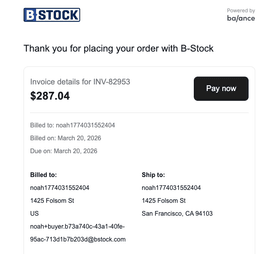
2.Click Pay now

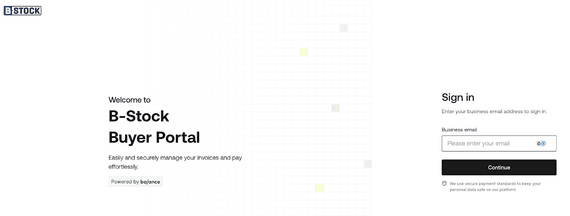
3.Submit email
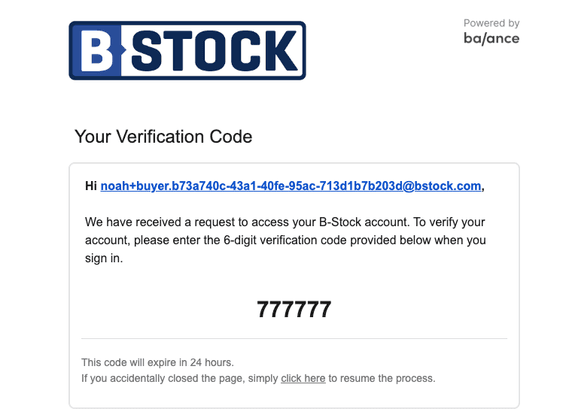
4.Receive verification by email
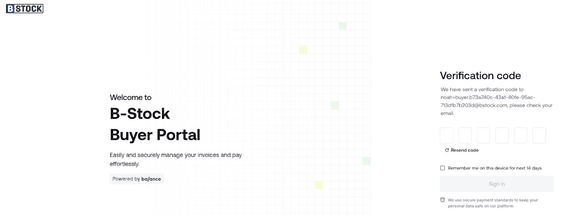
5.Access your Balance portal
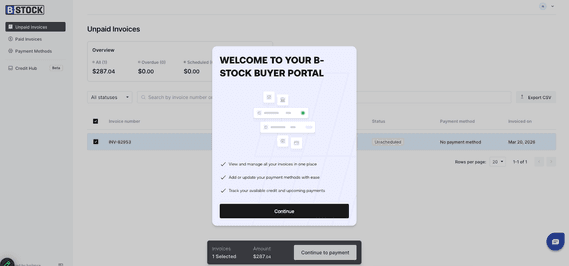
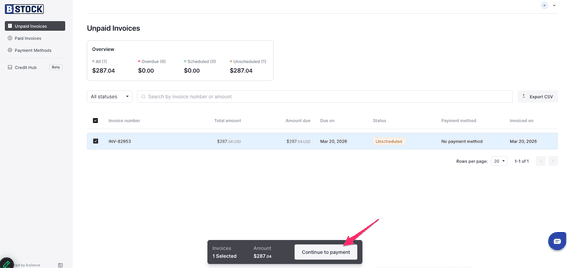
6.Click Continue to payment
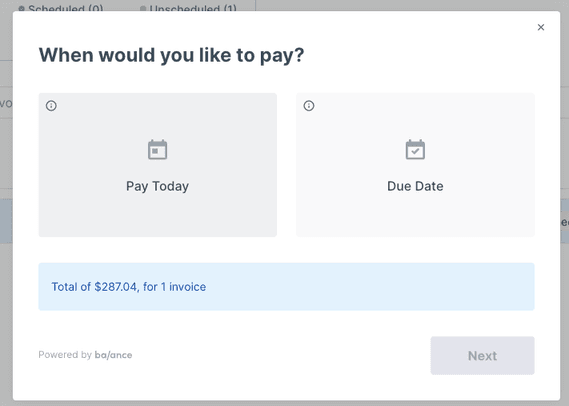
7.Click Pay Today
8.You must add a credit card so that Balance can automatically charge this on future purchases. There are no additional fees to using a credit card for ATT orders
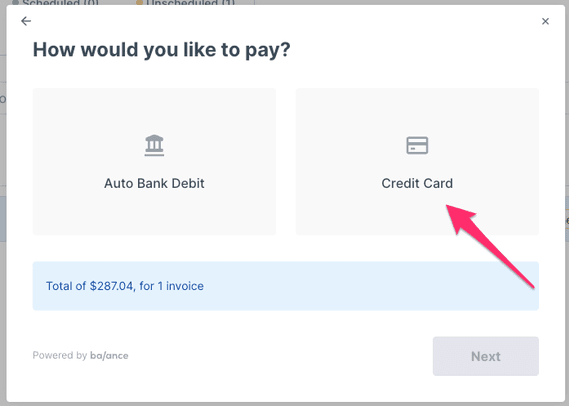
9.Add CC info
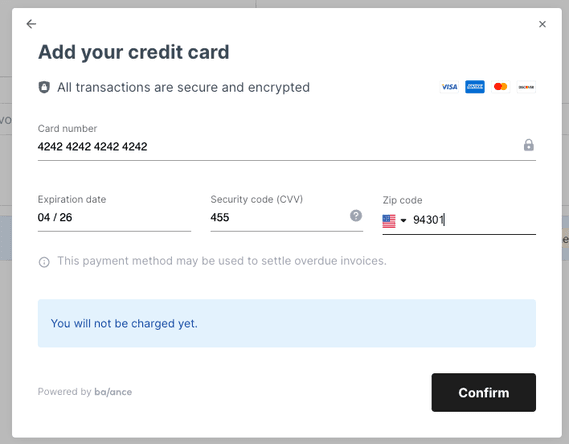
10.Confirm
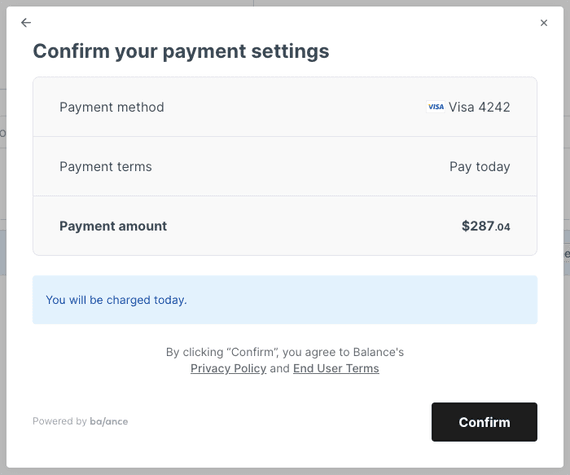
11.View paid invoices here
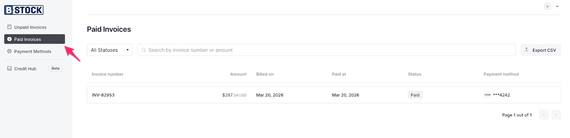
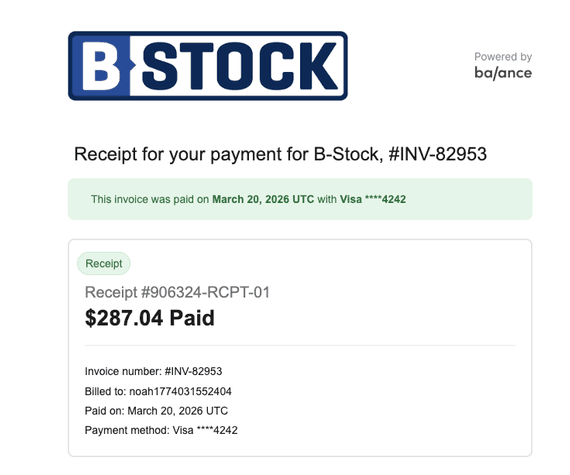
12.You will receive an email confirming payment